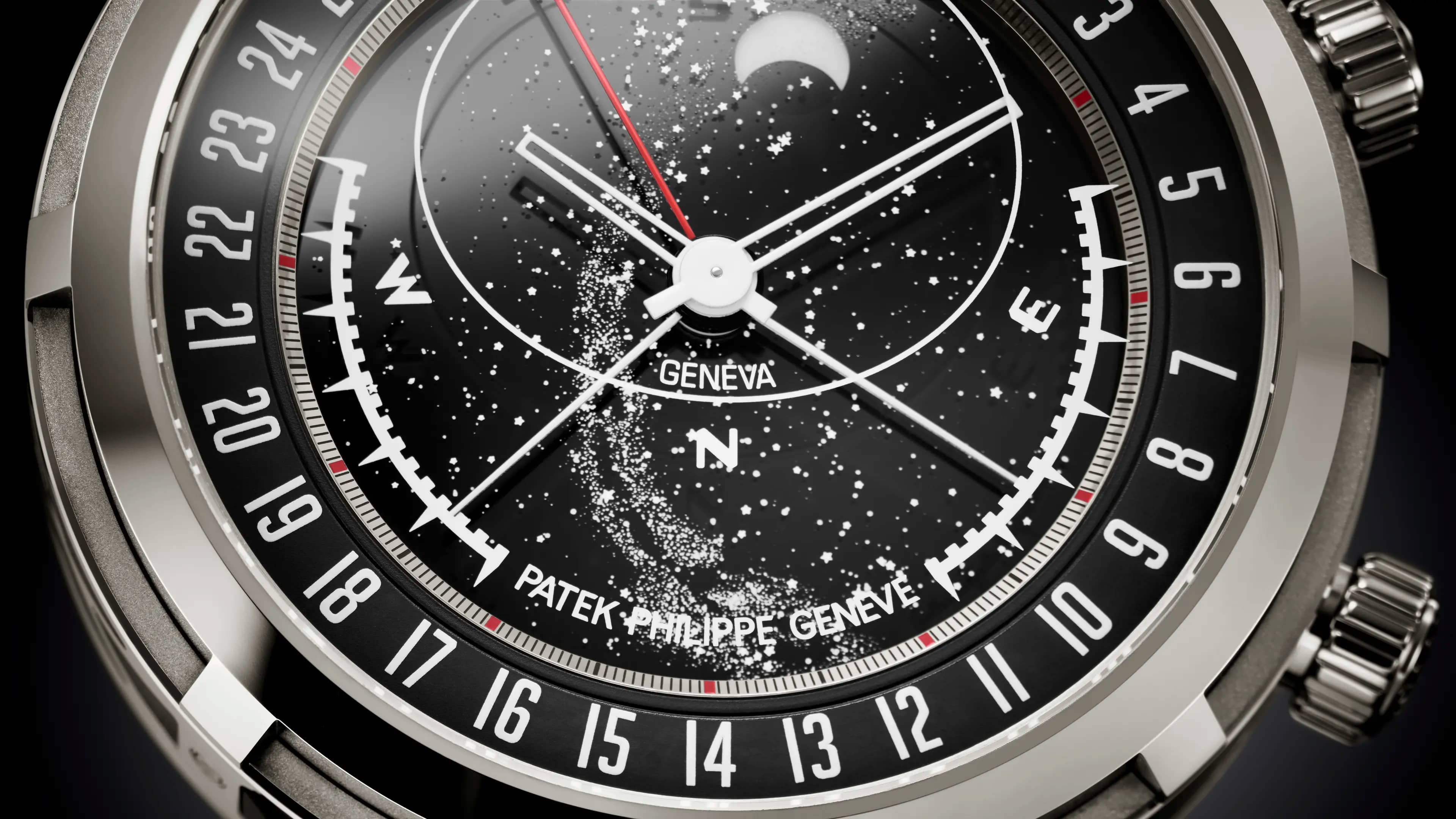
Settings
Celestial Sunrise and Sunset
This page contains detailed explanations regarding the adjustment procedure for Patek Philippe watch Ref. 6105.
How to set a Celestial Sunrise and Sunset watch
Adjustment procedure for the Celestial Sunrise and Sunset
Sunrise and Sunset
- Large divisions:
- Small divisions:
On sky side
- Moonphase revolution:
Moon adjustments
- Large divisions:
- Small divisions:
Sky adjustments
- Large divisions:
- Small divisions:
To prevent inadvertent adjustment, engage the adjustment functions by pressing the crown firmly toward the case while turning it counterclockwise to activate the setting mechanisms.
Once the crown is engaged, turn it counterclockwise to adjust the annual index, which interacts directly with the sunrise and sunset hands.
To set the year indication, consult the date, time, and nearest city on the dedicated page for your timepiece at Patek.com.
This page provides three precise adjustment indications for the sunrise / sunset display, Moon phase, and sky chart positions.
When entering the current time on the website, add a few extra minutes (e.g. five) to allow sufficient time for the settings to appear.
Position the sunrise / sunset triangle at 12 o’clock by turning the crown counterclockwise. The red triangle is located on the inner edge of the date disc.
Once at 12 o’clock, advance it by the number of large segments (thick red and black graduations) indicated on the website, then by the number of small segments (fine black graduations) likewise specified.
The sunrise and sunset hands will now align precisely on the time reading scale.
Note that, during counterclockwise rotation, a characteristic click signals proper engagement with the sunrise / sunset mechanism.
When turning the crown clockwise it rotates freely and silently as it is disengaged from the mechanism.
To set the Moon phase, enter the city and date found on the Patek.com web page. Perform the specified number of full rotations of the dial to position full moon at 12 o’clock, then advance the Moon disc by the number of large segments (thick red and black graduations) indicated on the website, followed by the number of small segments (fine black graduations) likewise specified.
The crown at 4 o’clock winds the movement by turning clockwise; pulling it out one position enables rapid setting of the hour and minute hands. It bears a Calatrava Cross decoration.
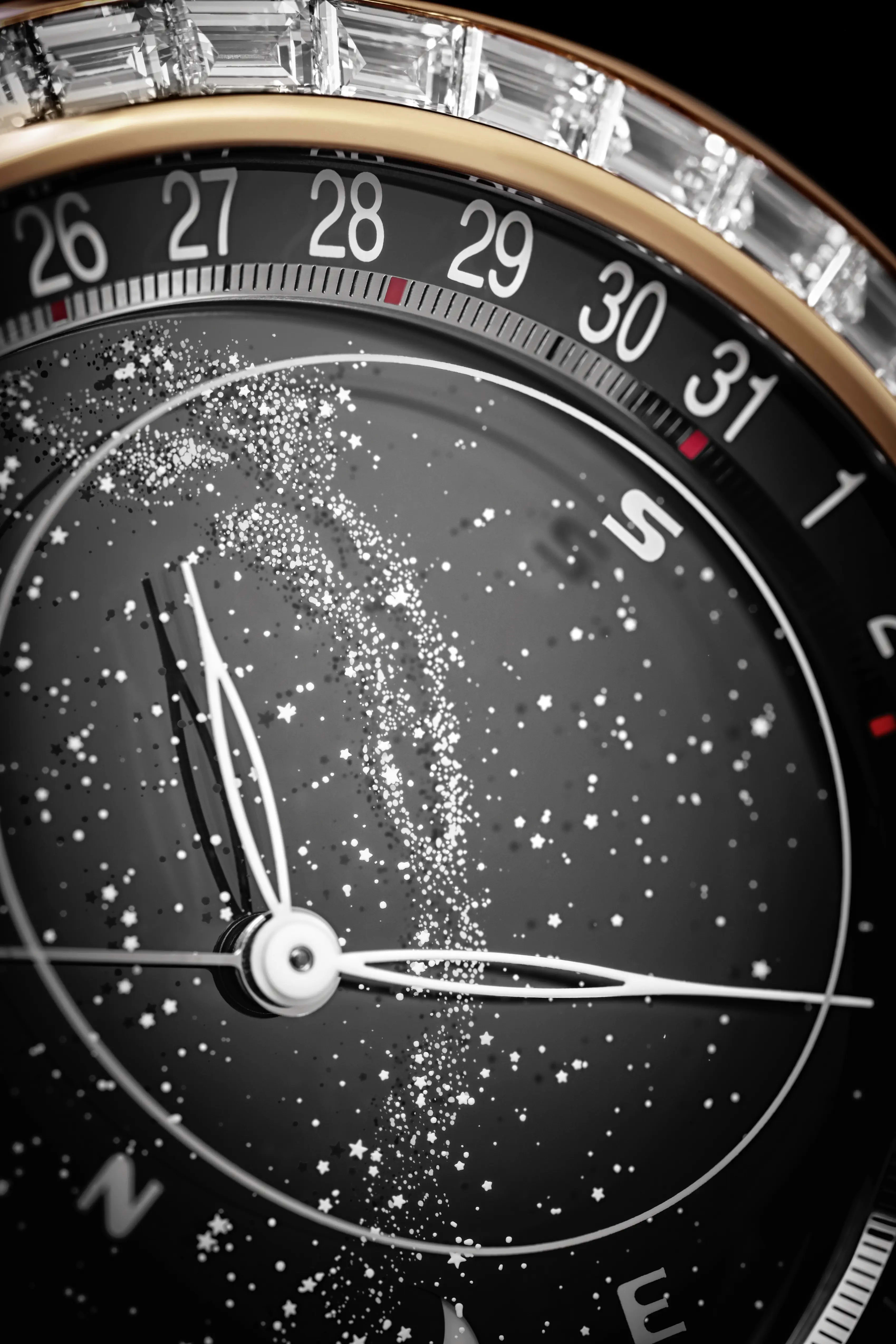
Celestial
A celestial complication displays astronomical features like star positions, moon phases, or solar time, offering a detailed view of the sky.
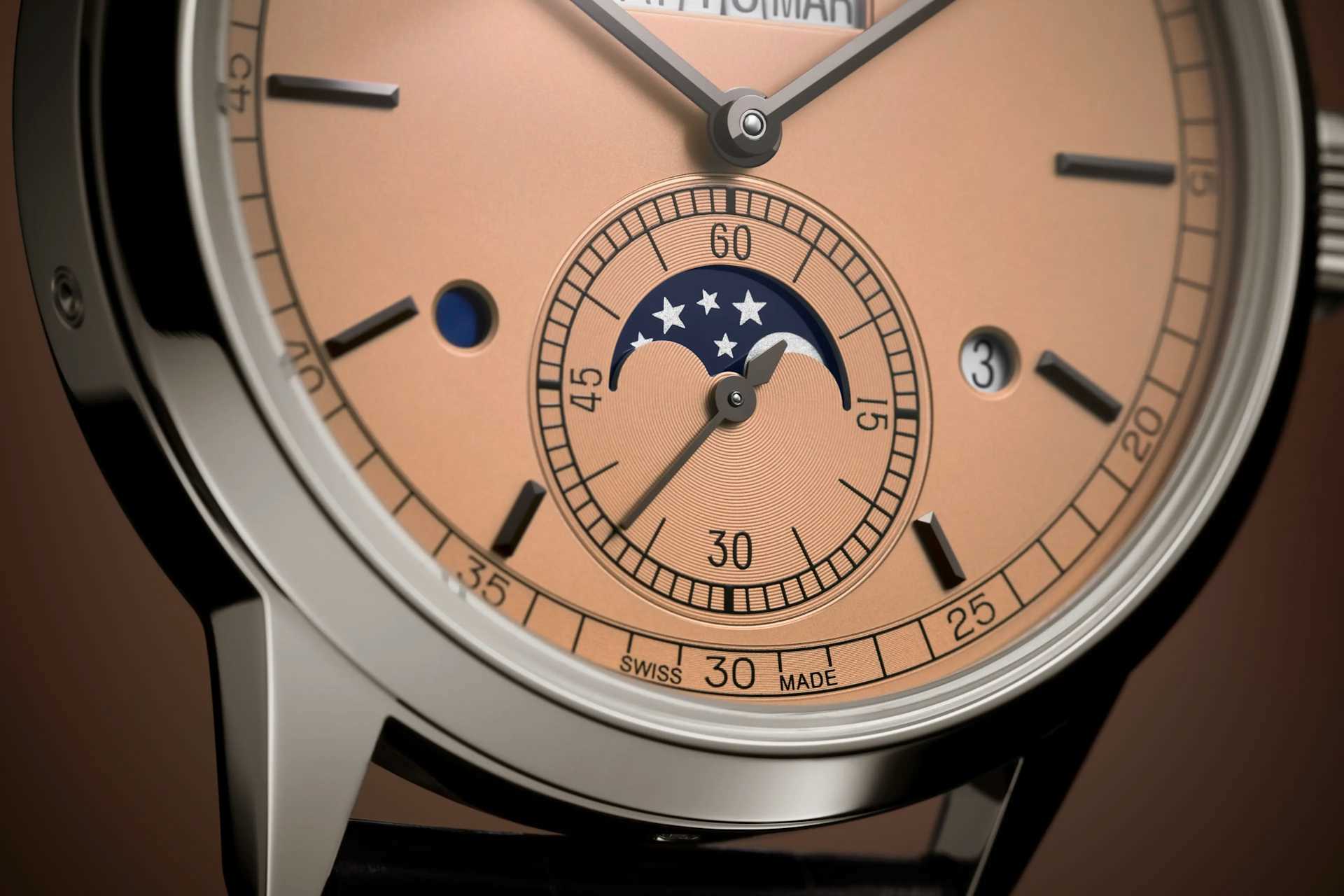
Leap Year Indicator
A leap year indicator displays the leap year cycle within a perpetual calendar, ensuring the watch accounts for February 29 every four years.
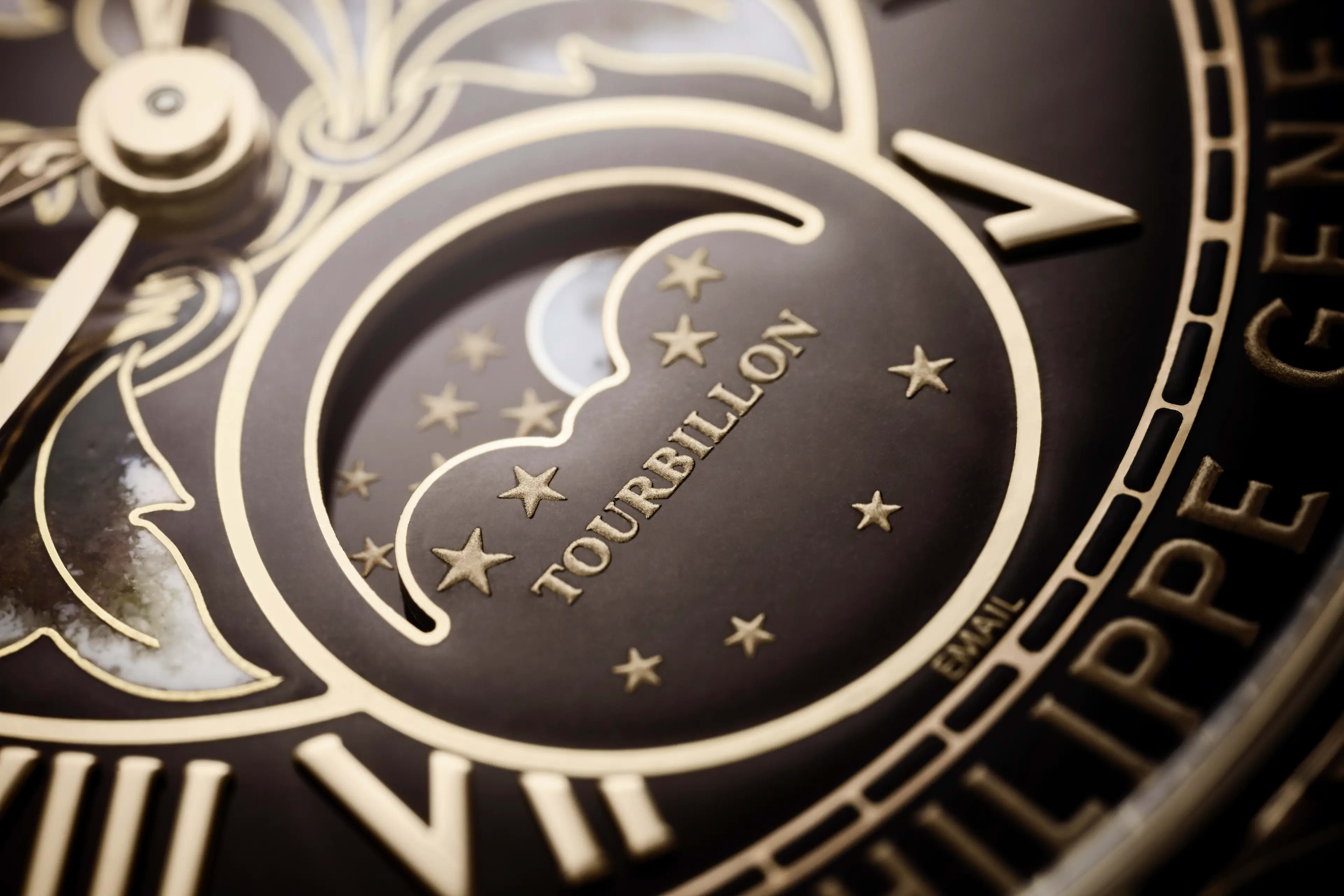
Sky Moon Tourbillon
The Sky Moon Tourbillon is one of the most complicated wristwatches in regular production. Let's discover how it works.